
- Deployment
- Cloud · Self-Hosted · Mobile
Overview
Resto Hubstar is a mobile-first restaurant management platform that brings reservations, tables, orders, kitchen coordination, billing, staff roles, and reporting into one controlled operating system.
Resto Hubstar brings clarity to orders, tables, kitchen flow, billing, customers, and daily reporting.
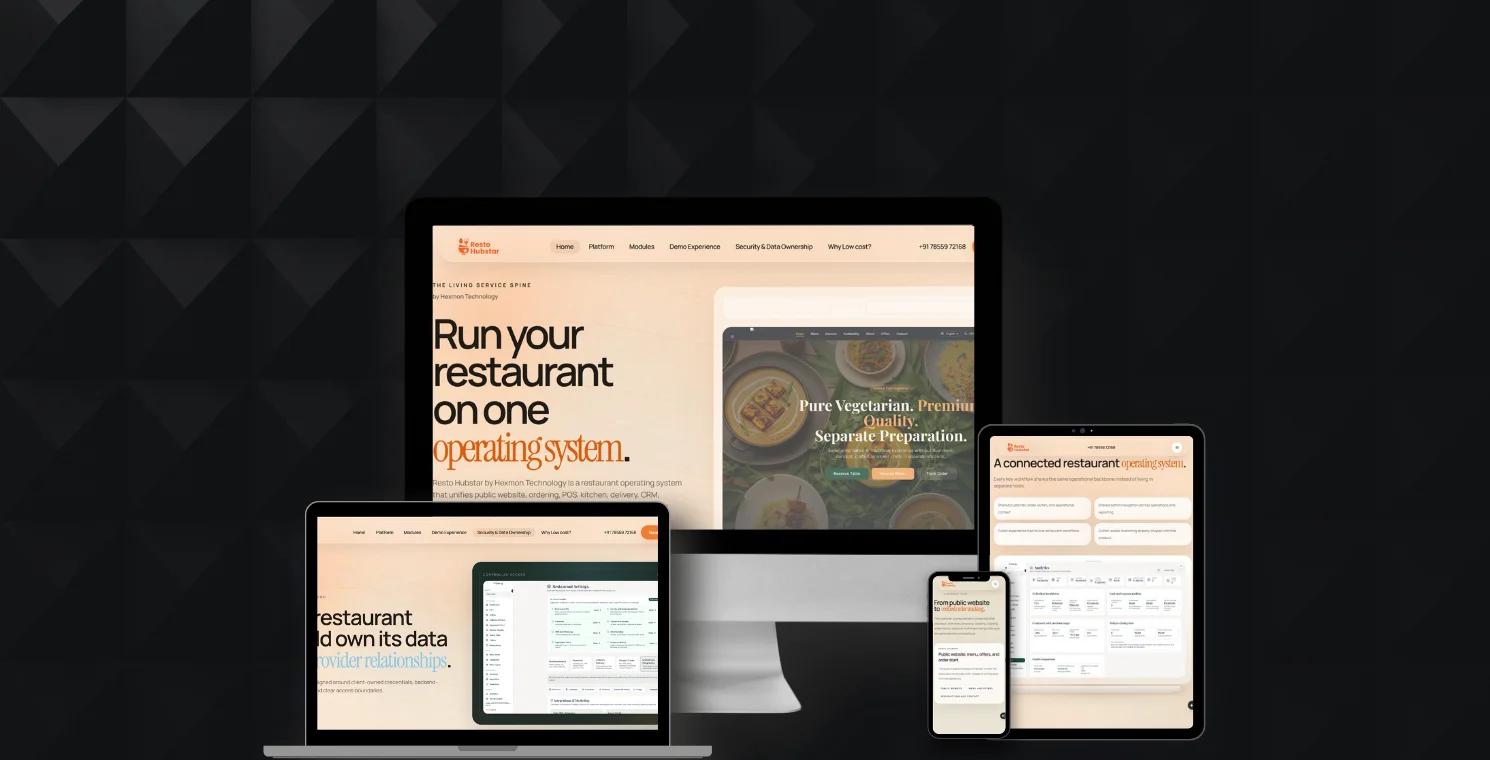
Core capabilities
Table management
Order flow
Kitchen coordination
Billing
Menu control
Reports and daily operations
The problem
Delayed or Miscommunicated Orders
Orders can get lost between customers, staff, billing counters, and kitchens.
Table Confusion
Manual table availability and reservation handling can slow down service.
Billing Errors
Disconnected order and billing flows create mistakes and delays.
Kitchen Coordination Gaps
Kitchen teams need real-time visibility into incoming, preparing, and completed orders.
Limited Data Control
Restaurants need ownership over operational data, reports, and deployment.
Staff features
Role-Based Access & Dashboards
Different dashboards for owners, managers, staff, kitchen teams, and administrators.
Point of Sale
Fast order entry, billing, table sessions, payments, and consolidated invoices.
Kitchen Display System
Real-time kitchen queue, order status, preparation flow, and staff coordination.
Live Table Management
Track table availability, seating, reservations, active orders, and billing sessions.
Reservation Management
Handle walk-ins, bookings, time slots, customer details, and availability.
Staff & Permissions
Manage roles, responsibilities, access, and operational permissions.
Analytics & Reporting
Track sales, orders, table activity, performance, and daily operations.
Promotions & Discounts
Apply offers, discounts, and campaign rules with controlled billing logic.
Customer features
Digital Menu
Show menus through QR or mobile-friendly views.
QR Ordering
Let customers place orders directly from the table.
Live Order Status
Give customers visibility into order progress.
Online Reservations
Support booking flows and table availability.
Billing features
Unified Table Sessions
Keep table, orders, staff actions, and billing connected.
Consolidated Billing
Generate clear bills from multiple orders and sessions.
Order History & Records
Maintain transaction history, order records, and operational logs.
Arch blocks
Customer Layer
Menu, QR ordering, reservations, and order status.
Staff Layer
POS, table management, service workflows, and staff permissions.
Kitchen Layer
KDS, order queue, preparation status, and workflow coordination.
Management Layer
Reports, analytics, promotions, settings, users, and operational control.
Deployment Layer
Cloud, self-hosted, or private infrastructure depending on the restaurant's need.
Arch flow
Customer Menu
QR Ordering
POS
Kitchen Display System
Table Sessions
Billing
Analytics
Admin Dashboard
Self-Hosted Deployment
Roles
For Owners
Real-time visibility into reservations, tables, revenue, performance, and operations.
For Customers
A smooth dining experience from booking to ordering to billing.
For Staff
Fewer errors, faster service, and clearer responsibilities.
For Kitchen Teams
A live queue of orders, preparation status, and reduced miscommunication.
For IT / Compliance
Self-hosted deployment options for data ownership, privacy, and operational control.
Future
Automated SMS and messaging notifications
Multi-location and chain-level dashboards
Customer loyalty and rewards programs
Offline operation with auto-sync
Smart customer feedback analysis
Inventory and ingredient stock management
Advanced analytics and demand forecasting
Delivery and accounting integrations
Kitchen preparation time optimization
Reasons
Connects front desk, staff, kitchen, customers, and management
Reduces order confusion and billing errors
Supports QR ordering and digital menu workflows
Gives owners clearer visibility into daily operations
Supports self-hosted deployment for data ownership
Built for restaurants, cafés, QSRs, and food service operators
Frequently asked questions
What is Resto Hubstar?
Resto Hubstar is a restaurant management platform for reservations, table management, POS, kitchen display, QR ordering, billing, staff workflows, and reporting.
Does Resto Hubstar support QR ordering?
Yes. Customers can scan a QR code, view the menu, place orders, and follow the order flow depending on the configured workflow.
Can Resto Hubstar support kitchen operations?
Yes. Resto Hubstar includes kitchen display system workflows, order queues, status tracking, and coordination between staff and kitchen teams.
Can Resto Hubstar be self-hosted?
Yes. Resto Hubstar can support self-hosted or private deployment models for restaurants that want more control over their data and infrastructure.
Who is Resto Hubstar best for?
It is best for restaurants, cafés, QSR brands, cloud kitchens, and food service operators that need better control over daily operations.
Showcase
Live Table Management
POS Billing Interface
Kitchen Display System
QR Ordering Flow
Restaurant Analytics Dashboard
Sattviq Workflow Architecture
Start / Restaurant Admin
Owner or manager initiates setup.
Configure Outlets & Users
Set branches, roles, and team access.
Menu & Pricing Setup
Create items, variants, and pricing.
Order Channel Setup
Dine-in, takeaway, and delivery workflows. Connection: Delivery Integration Smoother delivery handling.
Table / Reservation Management
Manage tables, bookings, and queues. Connection: Reservation & Queue Better guest flow.
Order Capture & Billing
Take orders and process billing / payments.
KOT to Kitchen Workflow
Send order tickets to kitchen in real time. Connection: Kitchen Coordination Faster KOT execution.
Inventory & Stock Sync
Track ingredients, stock movement, and availability. Connection: Inventory Control Real-time stock visibility.
Recipe / Food Cost Control
Improve consistency and reduce wastage.
CRM & Loyalty Management
Manage customers, repeat visits, and offers. Connection: CRM & Loyalty Stronger customer retention.
Multi-Outlet Monitoring & Reports
View branch-wise sales, tax, and operations. Connection: Sales & Tax Reports Business visibility and compliance.
Dashboard Insights & Optimization
Analyze performance and improve decisions.